Question:
How to view Unresolved or Resolved Annotations in PromoMats and Veeva Medical?
Answer:
In order for a user to view and filter resolved or unresolved annotations within a document in Vault, follow the steps below:
- If annotations exist, the Annotations panel is shown to the right side of the document. If the panel is hidden, it can be opened back by clicking the Comment button or the View Annotations button.
- Use the filters to find the annotations faster. Under Notes, select Unresolved or/and Resolved. Now only the selected annotations appear on the Annotations panel.
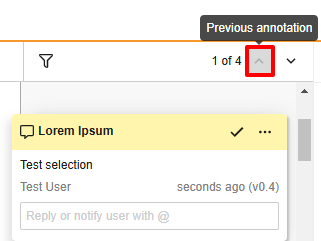
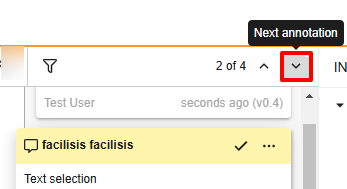
Note: The buttons Next Annotation and Previous Annotation help a user move from one annotation to another.
Related Documentation:
Vault Help Documentation: Annotating Documents
Knowledge Base:
How to Reopen Resolved Annotations in PromoMats?
What are the Annotation Filters in PromoMats and Veeva Medical?